Download our app!

UMassFive online and mobile banking offer you the convenience of access, 24 hours a day, 7 days a week.
Wherever you are, whatever time it is, it’s easy to manage your accounts.
The methods we use to secure your information in our online and mobile banking systems are constantly evolving to keep up with changes in technology. You can rest assured that UMassFive utilizes industry best practices, including but not limited to; encryption, firewalls, and multi-factor authentication.
At UMassFive, we’re committed to helping you see your full financial picture and get the most value from the tools available to you. We know that modern banking and budgeting often span more than one financial institution, which is why our online and mobile banking budgeting tools allow you to securely link accounts from many other institutions directly into your dashboard.*
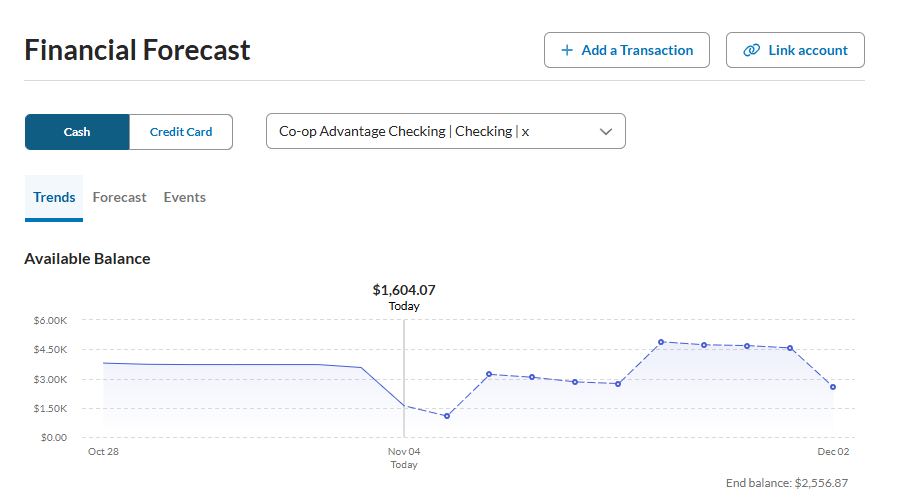

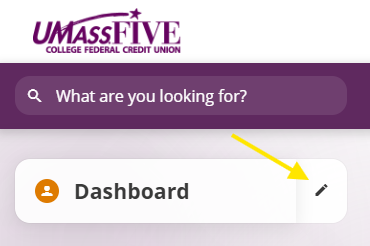
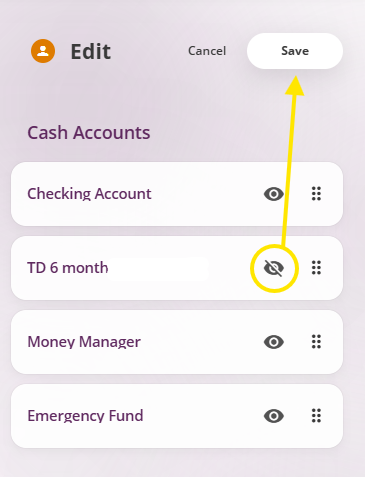
*Availability of external account connections can vary by institution based on how data is shared and supported. Some accounts may update less frequently or may not be available for connection at this time. As connectivity continues to expand across the industry, additional institutions may become available—bringing even more of your finances into one place.
| Operating System | Minimum OS Version Supported | Channel Support |
|---|---|---|
| Android | Android version 14.0 | Android Application SMS |
| iOS-iPhone | iOS (Last two versions) | iPhone Application SMS |
| All other operating systems | N/A | SMS |
| Device Operating System | Browsers | |
|---|---|---|
| Microsoft |
|
|
| Apple |
|
|
|
| |
| Mozilla |
|
|
This chart shows the browser/operating system combinations that are regularly tested for optimal performance with online banking. Other browser/operating system combinations, such as Firefox on a Mac, may work just fine but are not regularly tested at this time.